

AWS turned off SSE-C by default…
In January 2025, researchers at Halcyon reported a ransomware crew called Codefinger abusing a normal S3 feature to make objects unreadable. The attackers used exposed AWS credentials, rewrote objects with SSE-C encryption using a key they controlled, then set a lifecycle rule to delete the objects seven days later. No exotic exploit required, just valid credentials and routine S3 API calls. Since then, AWS made SSE-C opt-in the default for new general purpose buckets and, in accounts with no SSE-C-encrypted objects, existing buckets too. That’s a useful guardrail, but it isn’t a force field: leaked credentials, destructive permissions, and untested recovery plans can still put S3 data at risk.
Why SSE-C made S3 ransomware so clean
With SSE-C, the caller supplies an encryption key with each request. S3 uses the key but does not retain it, so losing the key means losing access to the object. In Codefinger’s case, that key belonged to the attacker. Halcyon reported that the crew used credentials with s3:GetObject and s3:PutObject permissions to read and rewrite the targeted files.
The April 2026 default blocks SSE-C writes unless the bucket configuration permits them. AWS says new general purpose buckets receive the setting by default, and existing buckets are updated when the account has no SSE-C-encrypted objects. If an account has SSE-C usage, AWS left configurations on its existing buckets unchanged.
That account-level exception is an easy detail to overlook: an old SSE-C workload can mean older buckets still need a manual review. And a principal with s3:PutEncryptionConfiguration can change the bucket’s encryption configuration. The guardrail deserves protection from overly broad permissions too.
For a quick check, inspect each bucket’s encryption configuration:
aws s3api get-bucket-encryption --bucket YOUR-BUCKET
Confirm that SSE-C is blocked wherever you don’t have a documented reason to allow it. Don’t treat the account-level rollout as proof that every bucket is configured the way you expect.
Three paths SSE-C blocking doesn’t close
1. Long-lived credentials
Blocking SSE-C limits what a stolen key can do; it does not invalidate the key. AWS’s incident-response guidance identifies unintended disclosure of IAM access keys as a common starting point for S3 ransomware events and recommends moving workloads to short-term, role-based credentials where possible.
https://aws.amazon.com/blogs/security/anatomy-of-a-ransomware-event-targeting-data-in-amazon-s3
Review IAM users and keys: find credentials with no clear owner or purpose, check when they were last used, and remove or rotate them as appropriate. Prefer IAM roles and temporary credentials for workloads rather than embedding long-lived keys in source code or configuration files.
2. Delete-and-extort
An attacker who can’t use SSE-C may still be able to overwrite or delete data. AWS’s S3 incident guidance describes ransomware events involving object deletion and recommends S3 data-event logging, versioning, and recovery planning. Trend Micro also documents multiple S3 attack variants involving deletion, overwriting, or other ways of disrupting access to data.
Versioning helps recover from accidental overwrites and ordinary deletes, but it is not an independent backup if an attacker can also remove previous versions. Restrict object-deletion permissions (including s3:DeleteObjectVersion) to principals that need them, and protect critical recovery copies with separate access controls.
3. Recovery settings that look good on paper
Versioning is useful only if the versions survive. Lifecycle rules can expire objects, and permissions that let a principal change lifecycle configuration or encryption settings can widen the damage. Review who can change those settings, and test that your recovery path works before an incident turns the test into a deadline.
For data that must not be changed or deleted during a retention period, consider S3 Object Lock in compliance mode. AWS says a protected version in compliance mode cannot be overwritten or deleted by any user, including the account root user, before its retention date. That protection has a trade-off: set the retention period carefully, because it cannot be shortened for protected objects.
What to check this week
- Review encryption configuration across buckets, especially in accounts that have used SSE-C.
- Remove unnecessary access to s3:PutEncryptionConfiguration, s3:PutLifecycleConfiguration, and s3:DeleteObjectVersion. Consider organization-level controls where appropriate.
- Enable versioning for important data, and use Object Lock or a separate protected backup strategy for data you cannot afford to lose.
- Enable CloudTrail data events for critical buckets. They are not logged by default; unlike management events, S3 data events can show object-level reads, writes, and deletes.
- Rehearse recovery. Know who can contain compromised credentials, identify affected objects, and restore clean versions.
Finding the damage after an S3 ransomware event
During an incident, administrators need to establish what changed, when it changed, and what can be restored. AWS recommends using logs and recovery controls to investigate S3 events; CloudTrail data events provide object-level activity when you have enabled them.
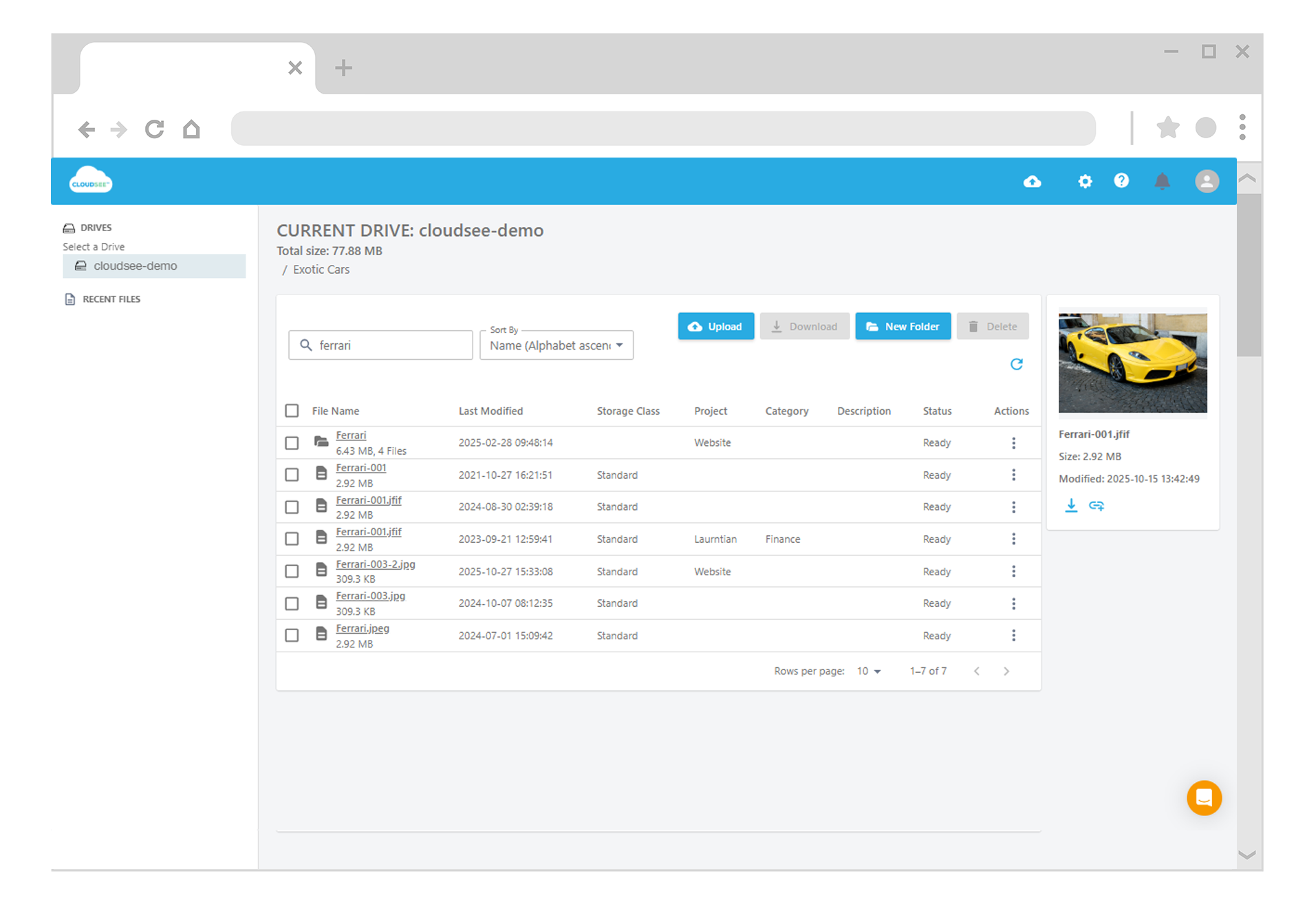
With millions of objects, searching through the Console can become a slow way to answer urgent questions. CloudSee Drive’s Fast Buckets indexes S3 objects for searches across file names, types, dates, descriptions, and tags. It may help teams find matching files faster, but it is a search aid, not a substitute for logging, containment, or tested recovery.
The takeaway on S3 ransomware
The SSE-C default removes one convenient ransomware technique. The bigger lesson is that S3 risk still depends on who holds credentials, what those credentials can change or delete, and whether recovery survives an account compromise. Close those gaps, and the next attacker has fewer easy options, whatever encryption feature they try next.
Leave A Comment