

Finding one filename in a 150,000-object S3 bucket took 85 seconds in the AWS Console, 48 seconds with the AWS CLI, and 3.6 seconds in CloudSee Drive. Same task, very different coffee breaks. The practical lesson for AWS admins: to search an S3 bucket faster, first distinguish navigation from discovery. Knowing the full object key is one problem. Having half a filename and “probably uploaded last month” is another. For repeated searches across large buckets, an index can spare you another full listing. But before adding a service, understand what the benchmark measured and what it didn’t.
What we tested
We seeded two buckets with 305,000 objects. One contained 155,000 objects in deep paths mirroring four open-source projects. The other held 150,000 objects at one level, removing the advantage of navigating familiar prefixes. Tests ran on the same machine and network, within the same hour.
| Search T | AWS Console | AWS CLI | CloudSee Drive |
|---|---|---|---|
| Known filename in 150,000-object folder | 85 s | 48 s | 3.6 s |
| Known filename, six folders deep | Not supported* | 53 s | 3.1 s |
| “test” anywhere in the name, bucket-wide | Not supported* | 52 s | 6.4 s |
| Modified within a date range, bucket-wide | Not supported* | 53 s | 6 s |
| Objects tagged domain=audio | Not supported* | 6.5 min** | 7 s |
*Not supported by the native Console workflow tested.
**Tag search required a custom Python script. All timings are vendor-reported results.
Fresh Ground Solutions builds CloudSee Drive and ran this benchmark. Treat these numbers as evidence about these workloads, not an independent performance guarantee. The published methodology also does not establish a universal CLI speed limit or include initial indexing time in the search results.
Why four CLI searches took roughly 50 seconds
Different questions can trigger the same underlying work: retrieve the object listing, then filter it locally.
For general purpose buckets, S3’s ListObjectsV2 API returns up to 1,000 objects per request, ordered by key. Listing 150,000 objects therefore requires at least 150 requests. A single paginated listing uses continuation tokens to retrieve subsequent pages.
The important limitation is the filter. The API supports narrowing by prefix, but it does not provide server-side substring, modification-date, or object-tag search. Asking the CLI to filter results does not turn the listing API into a search engine. That explains the similar timings, not a magic 50-second ceiling. Known prefixes, parallel work, network conditions, and implementation choices can change performance. The benchmark measures particular workflows, not every possible optimization.
Start with the cheapest shortcut: the key
Before commissioning an index, ask what the requester actually knows. A complete object key lets you target the object directly. A useful prefix narrows the listing. “Somewhere in the bucket, with ‘invoice’ in the name” leaves much more work to do. Prefix selection is built into the listing API; arbitrary substring matching is not.
This is also why folder browsing disappoints. For general purpose buckets, the Console presents a flat keyspace as folders. In the tested workflow, its current-folder filtering could not complete recursive discovery, bucket-wide date filtering, or tag search. That is a workflow limitation, not evidence that the Console cannot administer those objects.
Use navigation when you know the neighborhood. Use discovery tools when the address is missing.
Tags make repeated scanning especially painful
Tag search adds another layer of requests. Object tags are not included in the ListObjectsV2 response, so the benchmark’s script had to retrieve tags separately after finding the keys. Its domain=audio search took 6.5 minutes.
Concurrency can reduce elapsed time, but it does not eliminate those per-object lookups. Repeating the process for every new question is an expensive way to rediscover information you already retrieved. An index changes that tradeoff: collect searchable metadata ahead of time, then query the collected information. The bill moves from repeated discovery toward maintaining the index.
Four routes beyond repeated listings
1. S3 Inventory and Amazon Athena
Choose this for scheduled reporting and investigations that tolerate delay. S3 Inventory produces daily or weekly object reports that Athena can query. The first report can take up to 48 hours, so this is not an instant replacement for interactive search.
2. S3 Metadata
Choose this when you want AWS-managed, queryable metadata, including object tags. Its live inventory table backfills existing objects and typically reflects subsequent changes within one hour. “Live” does not mean every change appears immediately.
3. A custom index
Build when your requirements justify owning the machinery. Budget for more than search: initial population, updates, deletions, reconciliation, permissions, and monitoring all belong in the design. Otherwise, the search box is merely the attractive front door to your next maintenance project.
4. A ready-made search interface
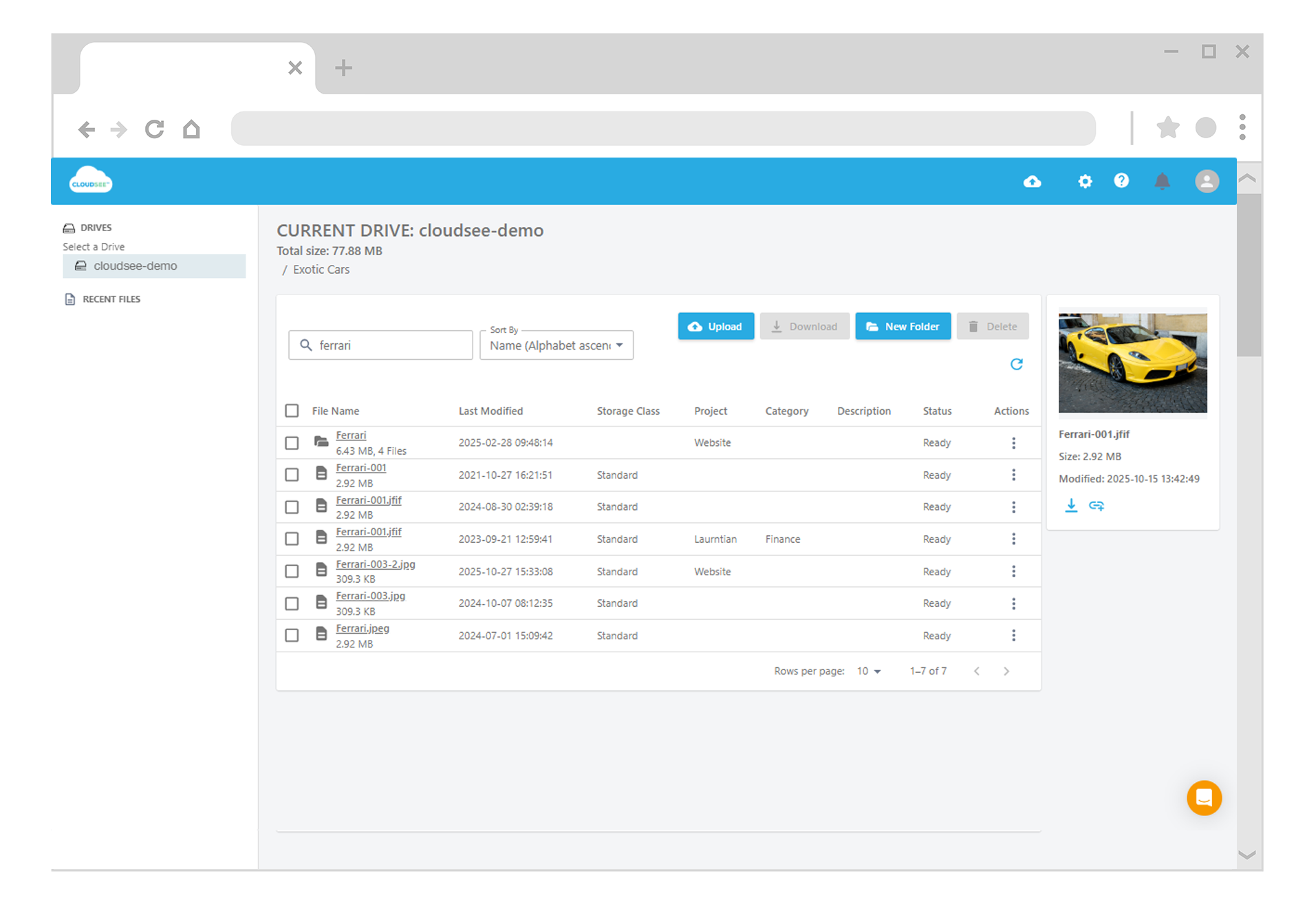
Choose this when users need discovery without SQL or scripts. CloudSee Drive completed these five benchmark searches in 3.1–7 seconds, including tag search. Those results make it worth evaluating, not exempt from evaluation.
For any product, verify index freshness, initial indexing duration, operating costs, and whether search visibility follows your access requirements.
Benchmark the question, not just the bucket
Set aside five minutes to start (not necessarily finish) a representative test:
- Pick a bucket that regularly generates “can you find this?” requests.
- Repeat an actual filename, date-range, or tag search.
- Record time to a usable answer, including manual work.
- Compare approaches using the same permissions and search scope.
- For indexed tools, test new uploads, deletions, and permission changes.
Do not mistake a full-listing time for the unavoidable cost of every search. It is a baseline for workflows that must enumerate that scope. If prefixes already solve the problem, keep the simple solution. If every request becomes another bucket-wide expedition, evaluate an index. The full benchmark methodology gives you a starting point for comparison, not a substitute for testing your own workload.
TL;DR
- Known key or useful prefix? Start there; not every search needs an index.
- Bucket-wide filename, date, and tag searches can require extensive listing and filtering.
- CloudSee Drive returned results in 3.1–7 seconds in this vendor-run benchmark; CLI workflows took 48 seconds to 6.5 minutes. These are workload-specific results, not universal limits.
- Compare freshness, permissions, setup effort, and ongoing cost—not just stopwatch results.
Leave A Comment