
Updated: 4/16/2026
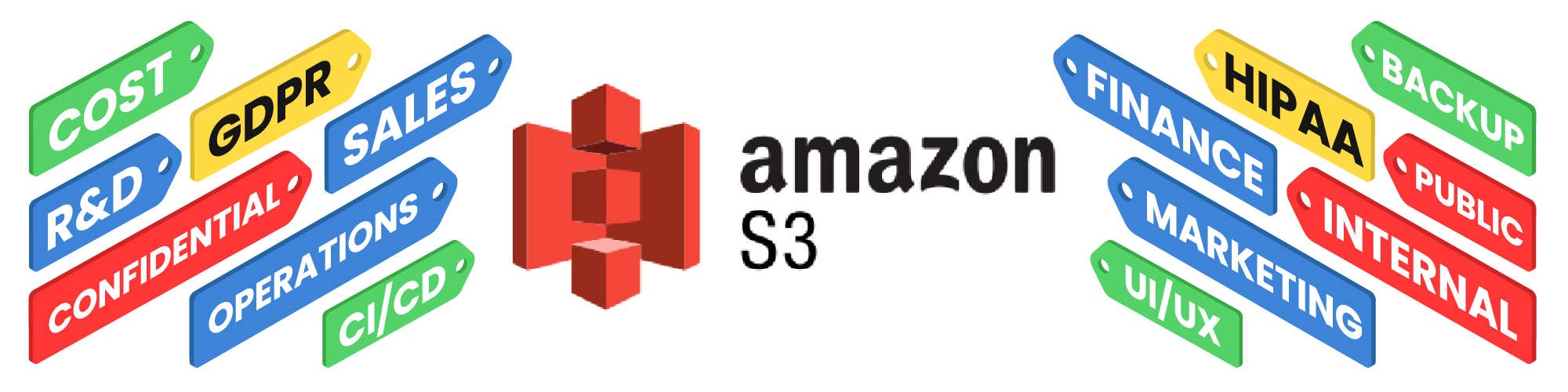
Amazon S3 tags are simple, but they punch above their weight. They give you a way to attach useful metadata to objects so you can organize storage, automate workflows, and keep your AWS environment from becoming a giant pile of mystery files. Although we’ve written about tagging in AWS before, we wanted to drill down further on tagging strategy.
If you’ve ever stared at a bucket full of objects and thought, “Who named these and why?” tags are your friend. With a consistent tagging strategy, Amazon S3 becomes a lot easier to manage at scale.
1. Organize objects by purpose
Tags let you sort objects by project, department, environment, file type, or application. That means you can stop relying entirely on bucket names and prefixes to tell the whole story.
A tag like Project=WebsiteRedesign or Env=Prod gives your team quick context. And unlike vague folder names, tags travel with the object.
2. Automate lifecycle rules
One of the best uses for S3 tags is lifecycle management. AWS lets you use tags as filters for lifecycle policies, so you can move or expire objects based on what they’re for, not just where they live.
That’s handy for logs, backups, temp files, and anything else that shouldn’t live forever just because nobody remembered it existed. Your finance team will thank you.
3. Improve access control
Tags can support more dynamic access control models, especially in larger AWS environments. Instead of writing a separate policy for every bucket and workflow, you can use tags to help define who should access what.
That’s a lot cleaner than hand-editing permissions until something inevitably breaks at 4:57 p.m. on a Friday.
4. Allocate costs more accurately
S3 tags are useful for cost allocation because they help you connect storage usage to specific teams, applications, or business units. If you tag objects consistently, finance and engineering can both get better visibility into who’s using what.
That makes chargeback and showback reporting much more useful, and much less of a guessing game.
5. Mark data sensitivity
You can use tags to identify sensitive, internal, or public objects. That gives security and compliance teams a fast way to understand what kind of data they’re dealing with.
A tag like Classification=Confidential is a whole lot better than hoping someone remembers which CSV contains the sensitive stuff.
6. Support compliance workflows
Tags help teams flag objects that need special retention, review, or handling rules. They don’t replace formal controls, but they do make it easier to organize and enforce them.
That matters when audits show up uninvited and want answers right away.
7. Improve reporting
With consistent tags, you can group objects by application, owner, environment, or policy state. That makes reviews and audits much easier, especially when you’re dealing with large amounts of storage.
Instead of hunting through prefixes and object names, you can use tags to slice the data in a way that makes sense.
8. Separate environments
Tags are a clean way to distinguish dev, test, staging, and production data. That helps prevent confusion when multiple environments are living in the same AWS account or bucket strategy.
It also makes cleanup safer, because nobody wants to delete “temporary” data and discover it was production-adjacent in the worst possible way.
9. Guide application behavior
Applications can use tags as lightweight signals for downstream logic. For example, an app might process tagged media differently from tagged documents or backups.
That makes tags useful not just for humans, but for the systems doing the work behind the scenes.
10. Find and manage tags with Tag Explorer
The tricky part with tags usually isn’t adding them — it’s finding them later. Once you have lots of objects across multiple buckets, tag visibility becomes a real problem.
That’s where Tag Explorer helps. It gives AWS teams a better way to inspect and manage S3 tags, which makes the whole tagging strategy more practical at scale. In other words: less spelunking, more clarity.
S3 tags may look small, but they carry a lot of weight. They help you organize data, automate cleanup, improve governance, and make storage reporting far less painful. If your AWS environment has grown beyond “a few buckets and a prayer,” tags are worth taking seriously.
And if you need to easily see what’s tagged where, Tag Explorer makes that job a lot less annoying.
Leave A Comment