

The AWS Architect’s Playbook
A few PDFs and spreadsheets in a bucket can survive on filenames and good intentions, but a lazy S3 metadata strategy for video leads to long term suffering. Once you have 4K masters, 1080p and 720p renditions, caption files, poster frames, trailers, alternate audio, and a rights team asking questions, “we put it in the folder name” stops being a system. For AWS admins and architects, custom metadata tags for S3 video files determine whether your teams can find assets, enforce retention, separate internal footage from customer-facing content, and keep expensive masters from sitting in the wrong storage class for years.
There’s good news… The fix isn’t exotic. It’s disciplined schema design, clear ownership, and a search experience that does not require an Athena query every time someone needs a 30-second clip.
Stop Calling Everything “Metadata”
You have multiple ways to attach information to an object in S3. Treating them as interchangeable is how teams build a catalog that works beautifully in a slide deck (but nowhere else).
User-defined object metadata is attached at upload through `x-amz-meta-*` headers. It is useful for stable technical facts, but it is effectively immutable. Updating it means copying the object with replacement metadata. There’s also a 2 KB limit for user-defined metadata in request headers, so this is not the place for an encoder’s life story.
Object tags are mutable key-value pairs. S3 limits each object to 10 tags, and tags are built for operational decisions: policy conditions, lifecycle rules, replication filters, and classification workflows.
There’s also information that deserves neither a tiny header nor one of your precious tag slots: detailed technical manifests, scene markers, caption inventories, QC reports, audio-track mappings, and rights documentation. Put those in a sidecar JSON document or an S3 annotation – not in a tag named `misc-data-actually-final`.
Consider these guidelines:
- Metadata holds stable facts.
- Tags drive actions.
- Manifests hold details.
That distinction will save you from trying to squeeze a media asset management platform into ten key-value pairs.
1. Split Your Video Schema Into Three Lanes.
Every video object has three different kinds of information. Give them distinct homes.
Technical metadata describes the file: codec, dimensions, duration, bitrate, frame rate, audio channels, and rendition type. These fields are typically produced by your ingest workflow and should be consistent across systems.
Business metadata identifies why the asset exists: content ID, campaign, series, episode, market, language, owner, or title slug. This is what editors, producers, and operations teams need when they are looking for something specific.
Governance metadata tells AWS and your controls how to treat the object: classification, retention class, regional restriction, rights status, or legal review state.
Use predictable keys. For example:
```text
biz-content-id=mv-20418
biz-campaign=q3-launch
tech-variant=1080p
sec-classification=internal
gov-retention=seven-years
“`
Of course you could use a different naming convention. Just choose one, document it, and enforce it. The enemy isn’t hyphens or underscores. The enemy is `Campaign`, `campaign_name`, `project`, and `Q3stuff` all meaning roughly the same thing. (It’s easy to do – even in our CloudSee Drive demo, we have “dept” and “Department.”).
2. Treat Tag Slots Like They Cost Money.
Tags don’t cost money individually. It’s worse (they reduce options). With only 10 object tags available for an object, every tag should justify its existence. Keep tags for information that AWS policies, lifecycle automation, cost controls, or humans need to filter on regularly. Check out our Guide to S3 Tagging Strategy
Good tagging candidates include:
- `biz-content-id`
- `biz-campaign`
- `tech-variant`
- `sec-classification`
- `gov-retention`
- `schema-version`
Bad candidates include encoder logs, chapter markers, subtitle tracks, loudness measurements, or a full list of audio languages. Those belong in a JSON sidecar such as:
```text
s3://media-archive/assets/mv-20418/manifest.json
“`
The sidecar model lets you keep rich structured data alongside the media asset without treating S3 tags like a deeply underfunded database.
3. Tag at Ingest (or Budget for Regret).
The easiest time to apply S3 video metadata is before the object lands in its long-term home.
Whether your workflow starts with MediaConvert, FFmpeg on ECS, a Lambda-based ingest process, or a vendor upload portal, enforce required metadata as part of the pipeline. Don’t wait until someone asks why half the archive has no campaign ID, inconsistent codecs, or a retention tag that reads `permanent-ish`. At minimum, validate:
- Required fields: For example, reject or quarantine uploads without `biz-content-id`, `tech-variant`, and `sec-classification`.
- Canonical values: Decide whether the approved codec value is `h264`, `h.264`, or `avc`, then permit only one. S3 can not going to infer your taxonomy.
- Variant inheritance: Every rendition should inherit the business and governance fields of its source asset while retaining its own technical values.
This isn’t bureaucracy. It’s how you avoid a six-figure cleanup project disguised as “a quick tagging initiative.”
4. Make Search Part of Your Architecture.
Metadata that cannot be found is simply well-organized obscurity. S3 Inventory is great for scheduled reporting, auditing, and large-scale analysis. It can generate reports in CSV, ORC, or Parquet, and those reports can be queried using Athena, Redshift Spectrum, or Spark. It’s powerful, but it’s scheduled (not real-time). The first report can take up to 48 hours to arrive.
S3 Metadata adds a more current, queryable layer. Its managed Apache Iceberg tables include system metadata, object tags, and user-defined metadata. And you can query through services like Athena and Redshift. That is a major improvement for architects and data teams. It’s certainly not how a producer, editor, or storage operator wants to hunt for all the 1080p promos in a campaign.
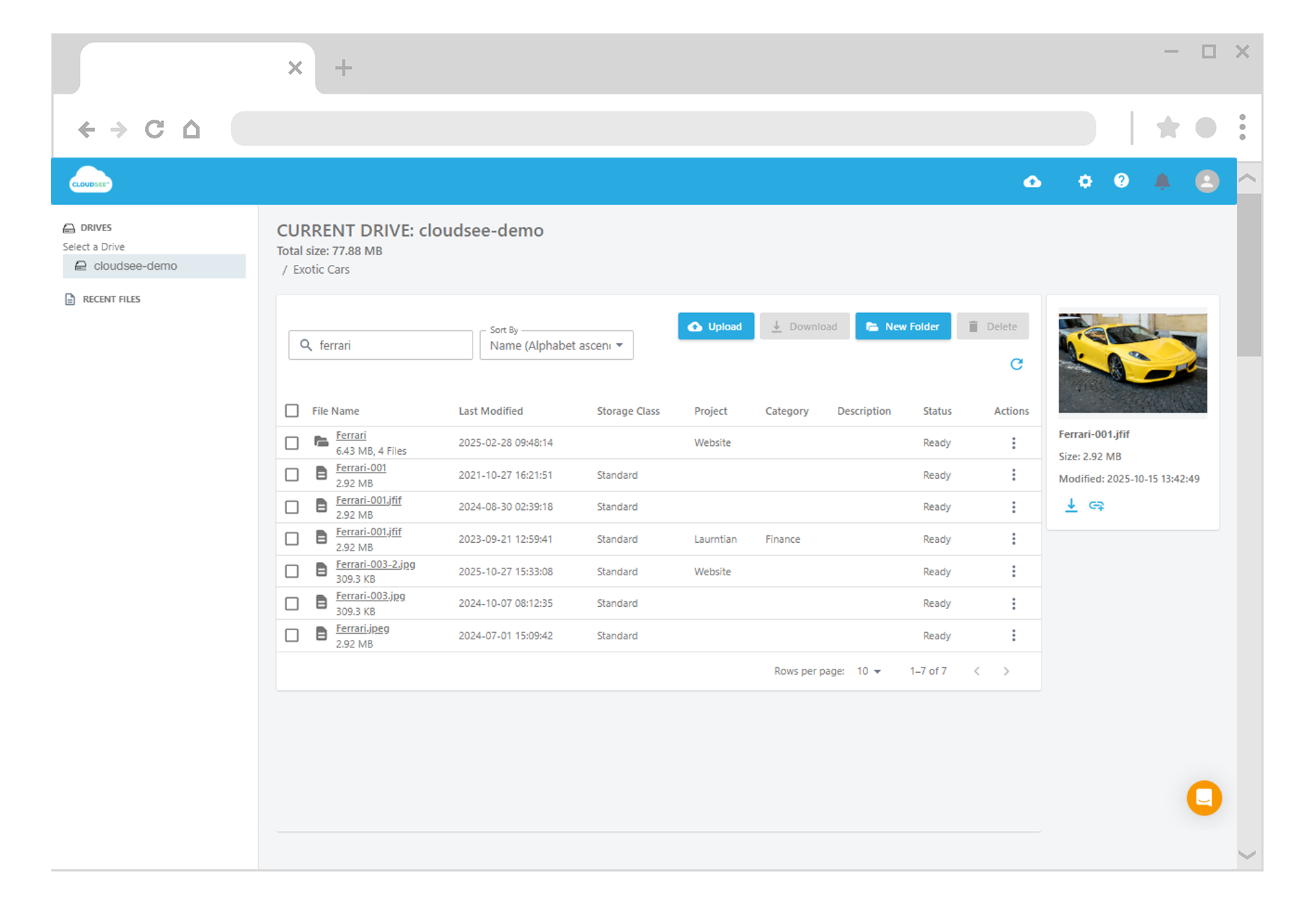
That is where CloudSee Drive shines. Tag Explorer turns S3 tags into a practical navigation layer. Teams can slice large buckets by the tag dimensions that matter (e.g., project, client, environment, campaign, or classification) without turning every file search into a SQL exercise.
Your media team does not need or want another dashboard. It needs to find the right asset before the meeting ends.
5. Version the Schema Before It Evolves Without You
Your video taxonomy will change. New codecs arrive, rights rules change, you acquire a library whose idea of metadata is a filename like `FINAL_USE_THIS_ONE_v3.mov`. Add a `schema-version` tag from day one:
```text
schema-version=2
“`
When the model changes, use S3 Batch Operations to update defined cohorts instead of running mystery scripts against the entire archive. Batch Operations can work from manifests or S3 Inventory reports, apply tags at scale, invoke Lambda for custom work, and generate completion reports. That gives you a defensible migration path. More importantly, you have a way to prove which objects have been brought forward.
What Good Looks Like
A healthy S3 video metadata strategy makes the right things easy. Your ingest workflow refuses malformed assets. IAM and Lifecycle policies use clear tags rather than prefix guesswork. Detailed data lives in manifests instead of tag sprawl. And a new Solutions Architect can locate, classify, and explain an asset without first decoding 15 years of bucket folklore.
That is a system. Everything else is storage with props.
Leave A Comment