

S3 does not have a search bar. That becomes obvious the first time someone asks for “the JSON file from last March’s deployment” and all you have is a bucket with millions of objects. You can list prefixes, filter by LastModified, and scrape CloudTrail logs. But native AWS S3 metadata search does not exist out of the box. This guide focuses on what works in production: three viable approaches, how to implement them, and where each one breaks down.
What “Metadata” Means in S3
Before choosing a solution, clarify what you are trying to search.
- System metadata: Managed by S3, includes LastModified, ContentType, ETag, ContentLength, StorageClass. These are indexed indirectly via S3 Inventory.
- User-defined metadata: Added at upload using x-amz-meta-* headers, such as x-amz-meta-environment or x-amz-meta-project. These are not queryable without building your own index.
The core limitation is structural. S3 is a flat object store, not a database. There is no native way to query across objects by metadata. You either scan everything or pre-index it.
Option 1: S3 Inventory + Athena (AWS-Native, Low Maintenance)
This is the default choice for teams that want a managed solution and can tolerate delayed results. When it fits…
- You need to search system metadata.
- Daily freshness is acceptable.
- You want minimal operational overhead.
Setup overview
1. Enable S3 Inventory.
Configure your bucket to export inventory reports in Apache Parquet format on a daily schedule. Include relevant fields such as ETag, ContentType, and StorageClass.
2. Create an Athena table.
Point Athena to the inventory output location and define a schema over the Parquet files.
Example:
\[
\text{SELECT key, last\_modified\_date, content\_type, size}
\]
\[
\text{FROM s3\_inventory}
\]
\[
\text{WHERE content\_type = 'application/json'}
\]
3. Query with SQL.
Once data lands (initial delay up to 48 hours), you can query using standard SQL patterns. Where it breaks:
- No support for user-defined metadata.
- Minimum 24-hour lag.
- Setup friction for smaller teams unfamiliar with Athena.
This approach works well for audit, reporting, and broad discovery use cases, but not for real-time or custom metadata queries.
Option 2: S3 Select (Content-Level, Not Metadata Search)
S3 Select is often misunderstood as a search feature (it isn’t). It facilitates SQL queries against contents of a single object (JSON, CSV, Parquet) without downloading it. When it fits:
- You know which object to query.
- You need to filter records inside files.
- You are working with structured data formats.
Example (Python boto3):
You query within a file for a specific event type, rather than searching across files. Where it breaks:
- Operates on one object at a time.
- Does not help locate objects.
- Not a metadata search solution.
Think of S3 Select as a way to reduce data transfer, not as a discovery mechanism.
Option 3: Lambda + DynamoDB (Real S3 Metadata Search)
If you need true S3 metadata search, especially for user-defined fields, you need an external index. The standard pattern is straightforward: capture metadata at write time and store it in a queryable system.
Architecture
- S3 PUT event triggers Lambda.
- Lambda calls HeadObject to retrieve metadata.
- Metadata is written into DynamoDB (or OpenSearch).
Why it works
You convert S3 from a passive store into an indexed system. Queries become fast because you are no longer scanning objects.
Implementation highlights
- Use S3 event notifications to trigger Lambda on object creation.
- Extract both system and user-defined metadata.
- Store normalized fields in DynamoDB.
- Add Global Secondary Indexes for frequent query patterns.
Example pattern
- Partition key: bucket#key
- Indexed attributes: meta_environment, content_type, last_modified
Backfill requirement
This is where most implementations fail. S3 events only capture new objects. You must backfill existing data using ListObjectsV2 plus HeadObject calls. At scale:
- Use Step Functions Map state.
- Limit concurrency (10–20 workers is a safe starting point).
- Expect long runtimes for tens of millions of objects.
Where it breaks
- You own the infrastructure.
- Backfill is time-consuming.
- Requires error handling (retries, DLQs) to avoid index gaps.
When to use OpenSearch instead
- If you need partial matching or full-text search.
- If metadata values are high-cardinality or unstructured.
- If query flexibility matters more than cost simplicity.
Verifying Your Setup
- Inventory + Athena: Compare row counts against a known prefix using CLI listing.
- Lambda index: Upload a test object with known metadata and confirm it appears in DynamoDB within seconds.
If results are missing, the issue is usually event configuration or incomplete backfill.
Common Pitfalls
- Skipping the backfill, which guarantees incomplete results.
- Expecting S3 Inventory to include user-defined metadata.
- Choosing DynamoDB when the use case requires text search.
- Ignoring failure handling in Lambda, leading to silent index gaps.
Where to Start
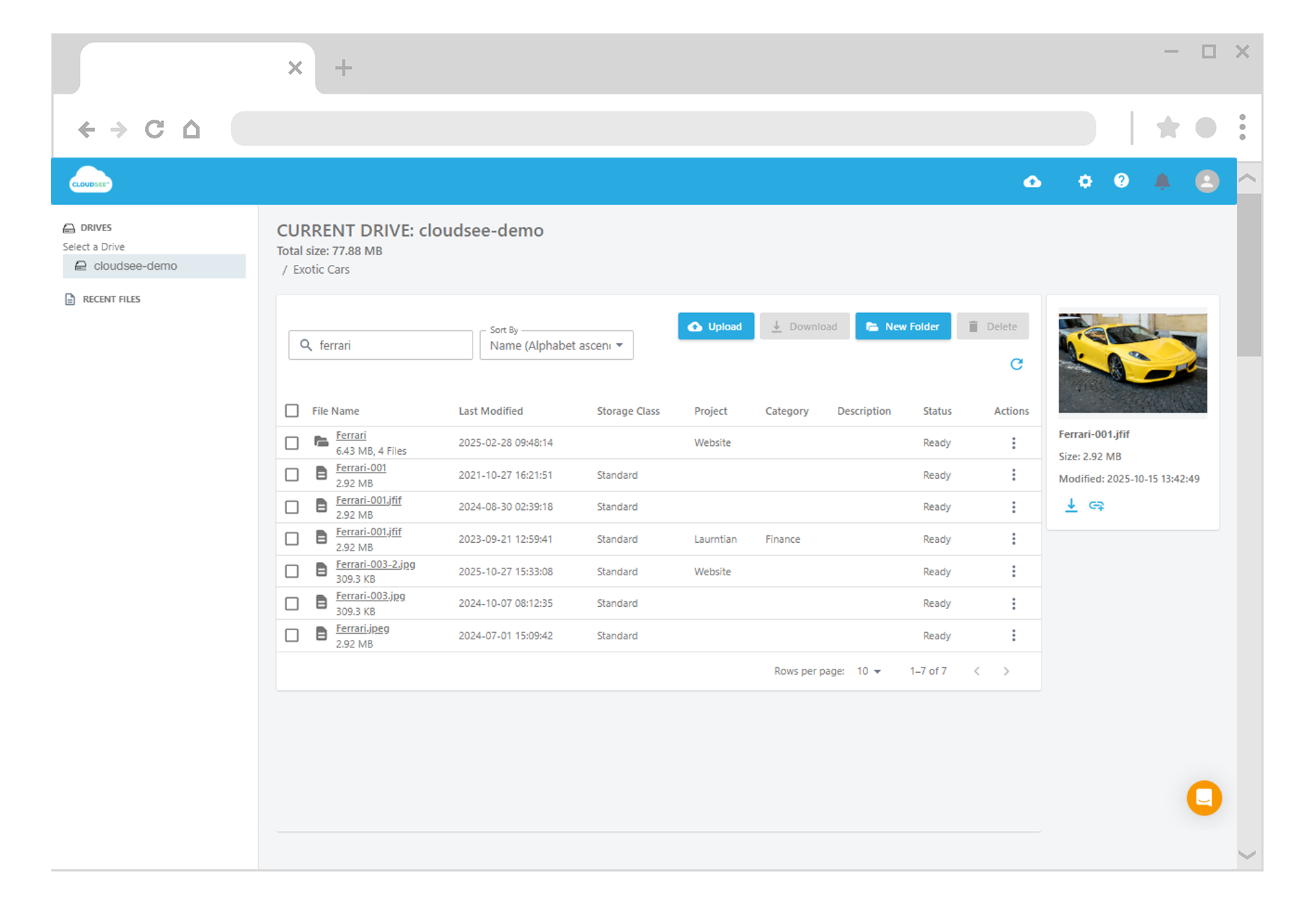
If your use case is operational reporting or audit queries, start with S3 Inventory and Athena. It’s reliable and low effort. If you need real-time queries or user-defined metadata search, build the Lambda-to-DynamoDB pipeline early. Retrofitting it later is significantly harder. If you want the outcome without the infrastructure work, some tools prebuild this indexing layer on top of S3 and expose search directly.
Leave A Comment