

An AI agent dropped into an unprepared S3 bucket behaves like a junior analyst on day one… It scans everything it can reach, assumes the naming scheme is meaningful, and never asks follow-up questions. The difference is that the agent does this at machine speed, on repeat, and with complete confidence in whatever nonsense it inferred. You cannot make S3 AI-ready in fifteen minutes if “AI-ready” means full governance, classification, retention policy design, and a neatly wrapped architecture diagram. You can do three smart things before your first agent integration goes live: understand what is in the bucket, corral what the agent can touch, and add metadata a machine can use. Here’s how you can make an S3 bucket AI-ready in 15 minutes.
Pick one bucket. Ideally, pick the one somebody has already started asking about.
Minutes 0–5: Figure out what is in the bucket.
Most AWS admins have a decent mental map of their buckets and a poor one of their objects. That gap is where AI projects get weird — because an agent is only as useful as the corpus it is given. Do not start by brute-forcing `ListObjectsV2` unless you enjoy paying for the privilege of discovering scale. It returns up to 1,000 keys per request, so a bucket with millions of objects turns into a long, billable crawl before you have learned anything useful.
Use a better inventory path:
- S3 Inventory gives you a scheduled CSV, ORC, or Parquet report of objects and metadata. It’s cheap, reliable, and not instant.
- S3 Metadata automatically captures object metadata into read-only Apache Iceberg tables that you can query with Athena, Redshift, or Spark.
It is designed for this exact kind of discovery work. In five minutes, you want a rough object count, the major prefixes, the dominant file types, and a sense of how stale the data is. If 60% of the bucket is old exports nobody has opened since 2019, that is a museum with a search bar, not a knowledge base.
Minutes 5–10: Reduce the blast radius.
Before any AI system connects, make the bucket less dangerous.
First, confirm Block Public Access is enabled at both the account and bucket level. If an agent can generate presigned URLs against a public bucket, you have built an exfiltration interface with better branding.
Second, scope access with a read-only IAM role tied to a prefix, not the entire bucket. “We’ll tighten it later” is how temporary policies graduate into incident reviews. Keep the policy specific to the minimum object path the agent needs. Allow only the permissions required for reading.
Third, turn on CloudTrail data events for object-level visibility. S3 object reads are not logged by default, and that becomes a problem the moment someone asks, “What did the agent read?” You want that answer before the question turns urgent.
The goal is not elegance. The goal is making sure an overeager agent cannot wander the estate with a hall pass and a guess.
Minutes 10–15: Make the objects legible.
S3 is a flat keyspace wearing a folder costume. There are no real folders, only object keys with slashes. The console does you the favor of pretending otherwise. An agent does not get the costume…it gets the string.
Two moves help a lot.
Tag what matters.
S3 supports up to 10 tags per object, which is enough for practical dimensions like document type, sensitivity, department, and retention class. It is not enough to replace a data model, and it should not be treated like one.
Standardize new naming.
You are not renaming a million objects today, and you do not need to. Start with new writes: lowercase keys, hyphens instead of mystery punctuation, ISO dates, and a predictable order such as type before identifier. Six months from now, that discipline will look less like aesthetics and more like relief.
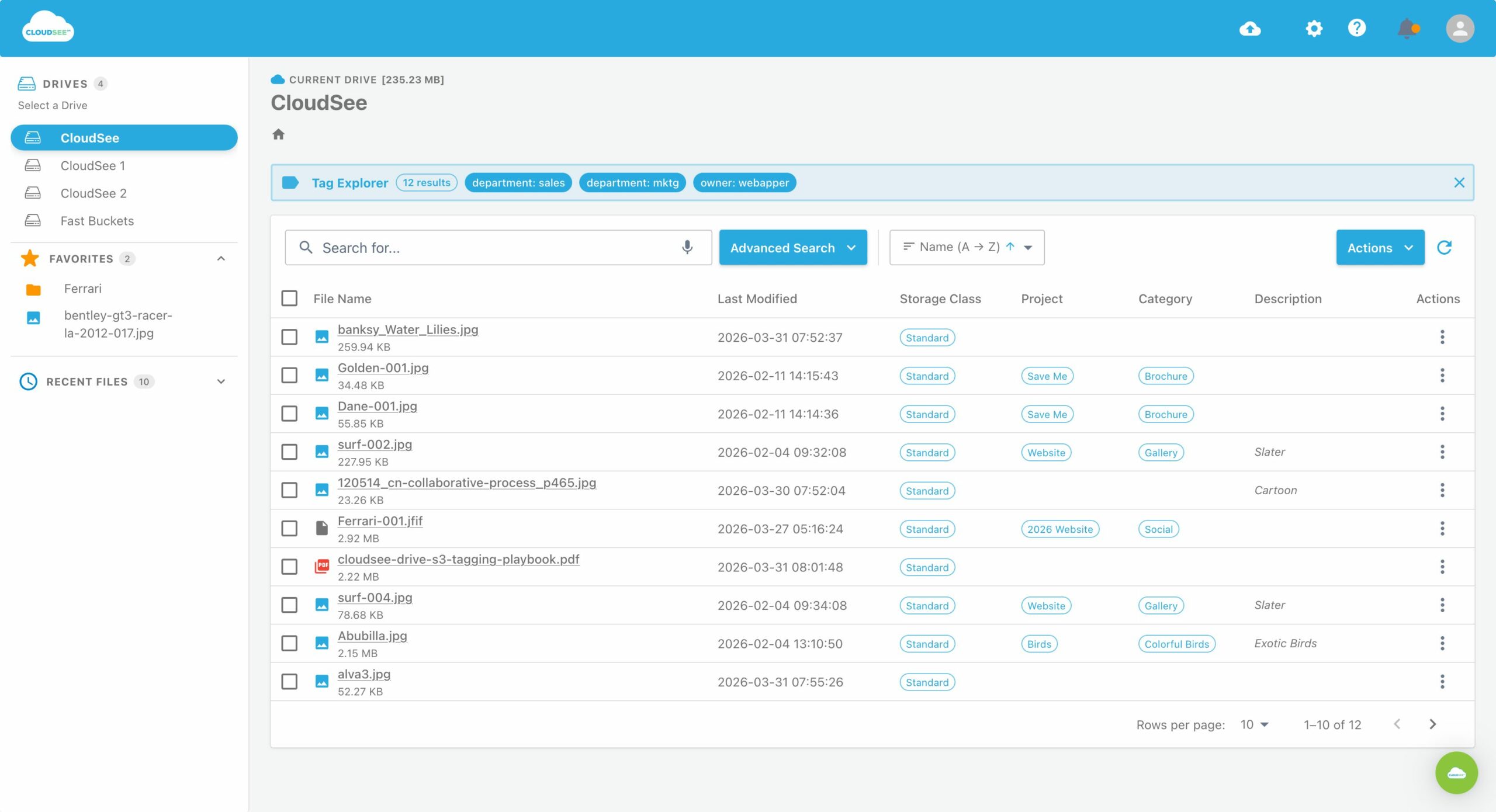
The catch is that tagging is easy to write and annoying to audit. The Console is not great at proving whether tags landed cleanly across a large estate. This is where a search layer matters. If you need to verify that tagging happened at scale, use tooling that can query across object metadata quickly instead of clicking your way into despair.
Verify before you connect.
Run three quick checks:
- Assume the role and try to read an object outside the approved prefix. It should fail.
- Make one legitimate read and confirm it appears in CloudTrail data events.
- Ask a question you already know the answer to, and see whether the metadata you added is enough to retrieve it cleanly.
If those three pass, the bucket isn’t perfect, but it’s far less likely to embarrass you in front of an AI agent.
What fifteen minutes does not buy you…
Fifteen minutes does not give you de-duplication, PII classification, retention enforcement, semantic search, or a vector index. It gives you a bucket that is safer to connect and easier to reason over. It also does not equal vector readiness. If you’re building an embedding workflow, that is a separate design problem. A general-purpose S3 bucket is the raw material, not the finished system.
The sane way to make S3 buckets AI-ready
Start with one bucket and one prefix. The teams that make S3 AI-ready successfully do it by narrowing the scope first, proving the workflow, then expanding once they know what “good” looks like. That’s the real trick: not making everything AI-ready at once, but making one part of the estate useful enough that the rest can follow with less drama.
Leave A Comment