

Managing 10,000 End Users Without 10,000 IAM Policies
You can’t hand 10,000 people IAM users and call it an access strategy. First, AWS caps IAM users at 5,000 per account, and second, that quota is not adjustable. The quota is merely the smoke alarm…the fire started long before. S3 access control at scale breaks when every employee, contractor, customer, or partner needs their own policy maintenance story. Each new hire becomes a ticket, a team move becomes a ticket, and a departure becomes an urgent ticket (before the departing employee discovers their credentials still work!I ). The solution is an architecture where policies scale with access patterns, not headcount.
Why Per-Person Policies Suck
The familiar approaches all fail eventually:
- One managed policy per user runs into IAM policy quotas and a 6,144-character limit per managed policy.
- One IAM group per team hits group quotas, while each IAM user can belong to only 10 groups.
- One giant bucket policy runs into a 20 KB document limit…and becomes unreadable long before it reaches that limit.
Which limit arrives first depends on your organization. None of them are pleasant surprises. Plus, the operational cost hits before AWS enforces any quota. A per-user policy is a per-user maintenance obligation. With 10,000 users, the access queue becomes permanent infrastructure.
Such pressure creates (predictable) bad decisions. AWS admins grant broader permissions because determining a least-privilege policy takes too long. Old access survives reorganizations because nobody is confident enough to remove it. A bucket policy becomes a museum of exceptions, legacy applications, and mysterious ARNs nobody wants to touch. This is what happens when the architecture makes correct access expensive.
The 3 Layers of Scalable Access
A workable S3 access model has 3 layers:
- Identity establishes who the user is and which broad access patterns apply.
- Attributes distinguish users within that pattern without creating separate policies.
- Delegation moves irregular permissions out of overloaded policy documents.
Many AWS environments handle identity reasonably well. The trouble comes when teams try to force every variation into roles and S3 bucket policies. Roles are useful, but they should represent stable access patterns, not individual humans.
Model Roles Around the Work (Not the People)
Federate users through your identity provider. Your IdP knows who works for the company, which groups they belong to, and when their employment ends. Recreating those facts in IAM gives you two identity directories and a reconciliation problem disguised as “access management.”
With federation in place, the question becomes: How many distinct S3 access patterns do we really have?
That number is usually dramatically smaller than the number of users. For example:
- Field technicians may read files for their assigned region.
- Finance may read closed-month exports and write approved forecast files.
- Marketing may upload assets to a staging prefix but not production.
- External clients may access only the prefix containing their own deliverables.
Thousands of people reduce to a few dozen meaningful patterns. That is a role model you can handle. AWS accounts support way more roles than most organizations need when roles reflect jobs not names.
Use ABAC to Make One Policy Behave Differently per User
Attribute-based access control (ABAC) lets one policy adapt to the identity using it. At federation time, pass session tags (e.g.,`client`, `region`, `department`, or `project` and reference them in IAM policy variables. A careless prefix design can become an authorization flaw. If your policy logic relies on prefixes, treat object naming conventions as part of the security model, not as housekeeping.
When ABAC Cannot Simplify the Map
ABAC works when access follows a pattern. Sometimes it does not. Perhaps your legal team needs access to a few matter-specific folders. Perhaps a partner needs a one-off combination of prefixes across several buckets. Or perhaps a data-sharing arrangement has accumulated enough exceptions to qualify as its own weather system. When permissions are genuinely irregular, two AWS features help:
S3 Access Points create named entry points into a bucket, each with its own policy. Instead of putting every workload, application, and team exception into one bucket policy, you can give each access pattern its own boundary. It makes permissions easier to review, test, and retire.
S3 Access Grants are better suited to large-scale grants tied directly to S3 locations. They can map prefixes to users and groups through IAM Identity Center, avoiding the temptation to build a complex bucket policy that nobody can explain in your next audit. With trusted identity propagation, CloudTrail can record the end user behind an S3 request rather than only a shared role session. “Who downloaded that file?” should not require archaeology.
Don’t Solve IAM and Then Recreate Identity Sprawl
Even after you design scalable authorization, users still need practical ways to work with files. The AWS Console is built for cloud administration, not for finding a PDF, uploading a report, or reviewing a client deliverable. Giving every end user Console access risks recreating the identity sprawl you just worked to eliminate.
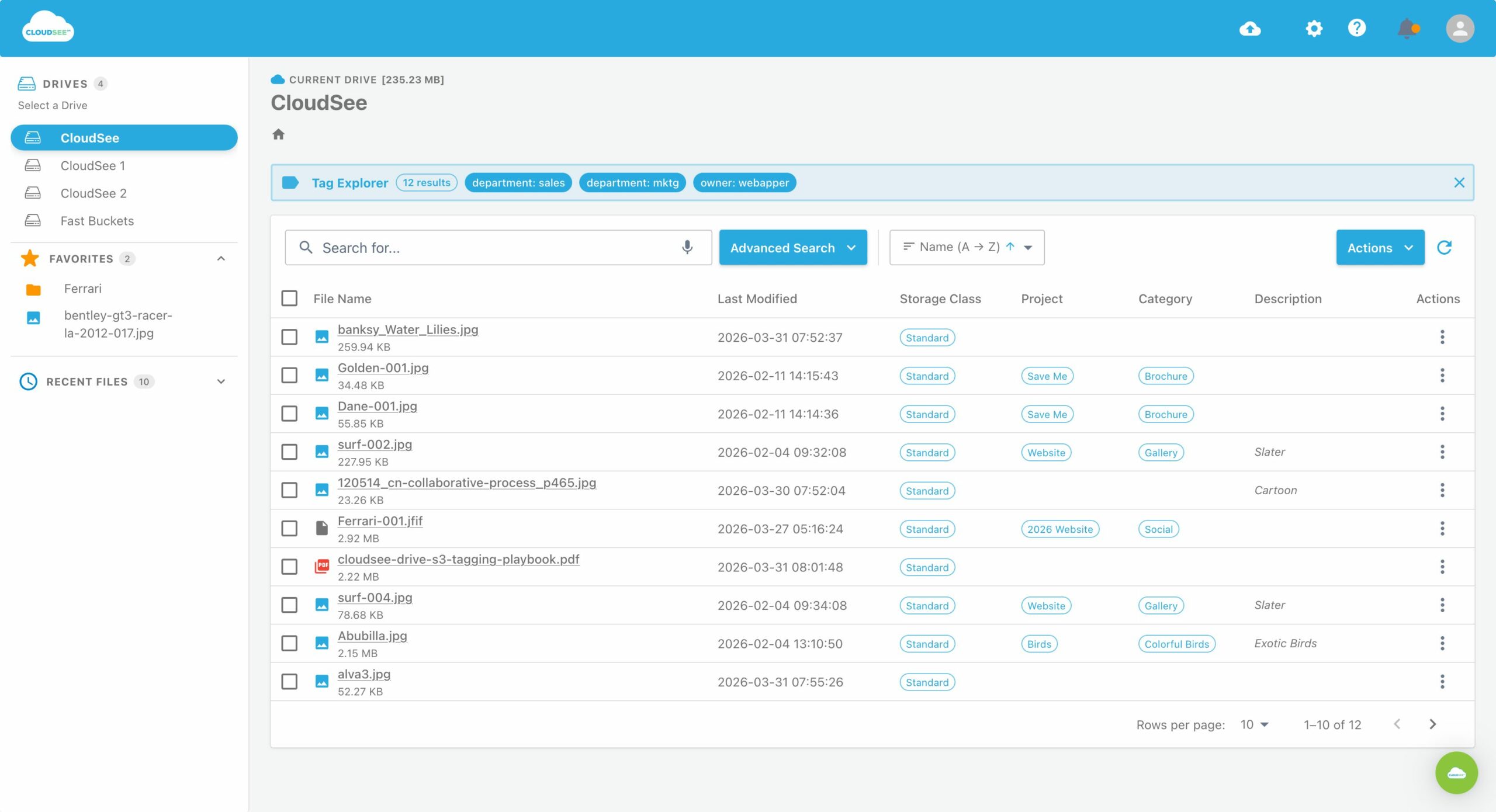
CloudSee Drive provides a browser-based S3 interface that uses the IAM role a user already federates into. Users see only the buckets and prefixes their permissions allow, without a second permission model, desktop deployment project, or batch of Console accounts for people who never needed to administer AWS in the first place.
Where to Begin
Start by counting access patterns, not users. If you have 5,000 people but 40 meaningful permission patterns, you have just found the outline of your role architecture. Then choose one bucket with a painful policy and run a contained pilot:
- Identify one team and its required prefixes.
- Standardize your relevant object-key naming convention.
- Pass a small, controlled set of session tags from the IdP.
- Replace individual grants with an ABAC policy.
- Test both allowed and denied paths before expanding the design.
That exercise will reveal whether your prefix scheme, identity data, and access model can support scale. It’s also reversible, which is more than can be said for a 19 KB bucket policy.
Your S3 Access Control at Scale
Effective S3 access control at scale is not about writing tighter policies. It is about writing far fewer of them. For teams deciding whether to use roles, ABAC, Access Points, or Access Grants, Webapper’s S3 consulting [https://www.cloudseedrive.com/amazon-s3-consulting] can help assess the right model before a policy rewrite becomes a permanent migration project.
Leave A Comment