

The Hidden Security Risks of Desktop S3 Browsers
You locked down your bucket policies, replaced wildcard permissions with scoped IAM roles, and enforced infrastructure-as-code reviews. Then someone opens Cyberduck, pastes in a long-lived access key, and quietly bypasses everything you just hardened. That’s the uncomfortable truth behind desktop S3 browser security risks. Instead of breaking your security model, they sidestep it entirely.
Why Desktop S3 Browser Security Risks Evade AWS Controls
AWS gives you strong primitives: IAM, STS, SCPs, CloudTrail. But those controls assume that access flows through AWS-managed identity systems. Desktop S3 browsers break that assumption. Most tools (Cyberduck, WinSCP, S3 Browser, CloudBerry Explorer) rely on static IAM access keys that are…
- Generated once.
- Stored locally.
- Reused indefinitely.
From AWS’s perspective, this is indistinguishable from a legitimate API caller. There’s no signal that the credential lives on a developer laptop outside your control plane. Even when stored in macOS Keychain or Windows Credential Manager, the problem doesn’t change: the credential is still long-lived, portable, and invisible to centralized governance. In other words, your least-privilege model may be correct, but your credential distribution model isn’t.
The Real Risk Is Unbounded Credential Lifetime
The core issue is credential persistence. Static IAM access keys:
- Do not expire unless manually rotated.
- Are rarely rotated in practice.
- Can be copied, synced, or exfiltrated silently.
- Remain valid across networks, devices, and geographies.
Compare that to STS-issued credentials:
- Short-lived (minutes to hours).
- Bound to a session.
- Tied to identity federation or role assumption.
- Revocable by killing the session or role.
This difference defines your blast radius. A leaked STS token is a contained incident, and a leaked access key is an open-ended foothold.
Why This Quietly Fails Compliance
Most teams think about breach scenarios. Fewer think about audit failure. Desktop S3 browser security risks directly conflict with common control requirements:
- SOC 2: Requires controlled access, auditability, and revocation.
- ISO 27001: Emphasizes credential lifecycle management.
- PCI DSS: Mandates strict authentication controls and key rotation.
Static keys stored on laptops fail all three in subtle ways:
- No enforced rotation policy.
- No centralized visibility into usage context.
- No immediate revocation without key tracking.
- No guarantee the credential isn’t duplicated elsewhere.
From an auditor’s perspective, this is shadow IAM.
Why AWS Architects Miss It
Nothing in AWS flags it as a problem.
- IAM Access Analyzer won’t warn you.
- CloudTrail logs look normal.
- GuardDuty doesn’t trigger unless behavior is anomalous.
- SCPs don’t prevent credential creation at scale.
- And most importantly: the tool procurement decision never went through architecture review.
A developer installs a client. A key gets generated. The system drifts. This is how mature AWS environments accumulate unmanaged risk…not through misconfiguration, but through convenience.
The Attack Path Is Shorter Than You Think
Access keys don’t need sophisticated exploitation. They need exposure. Common leak paths include:
- Local malware or infostealers.
- Misconfigured backups or sync tools.
- Accidental commits to Git repos.
- Screenshot sharing or copy/paste errors.
- Insider risk or offboarding gaps.
Once exposed, access keys are trivial to validate and weaponize. In documented cases, attackers enumerate permissions and begin data exfiltration within minutes. No MFA prompt, no session expiry, and no friction.
What Good Looks Like Instead
You don’t need to eliminate usability to fix this. You need to modernize how credentials are handled. Focus on four shifts:
- Replace IAM users with role-based access. Enforce STS everywhere possible, ideally via AWS IAM Identity Center (SSO).
- Eliminate long-lived keys. If a tool requires static credentials, treat it as a security exception rather than a default.
- Prefer session-based tooling. Tools that operate with temporary credentials or browser-based auth remove local credential persistence entirely.
- Centralize revocation. Ensure access can be killed immediately without chasing devices or users.
Here’s a useful way to think about it: if access can outlive the session that created it, it’s a liability.
Rethinking “Just a Desktop Tool”
Desktop S3 browsers feel harmless because they operate at the edge of your system. From a security perspective, they are credential distribution mechanisms. And that’s a tier-one concern. The question isn’t whether your bucket policies are correct. It’s whether access to those buckets is governed by ephemeral identity…or permanent secrets.
AddressingSecurity Risks of Desktop S3 Browsers
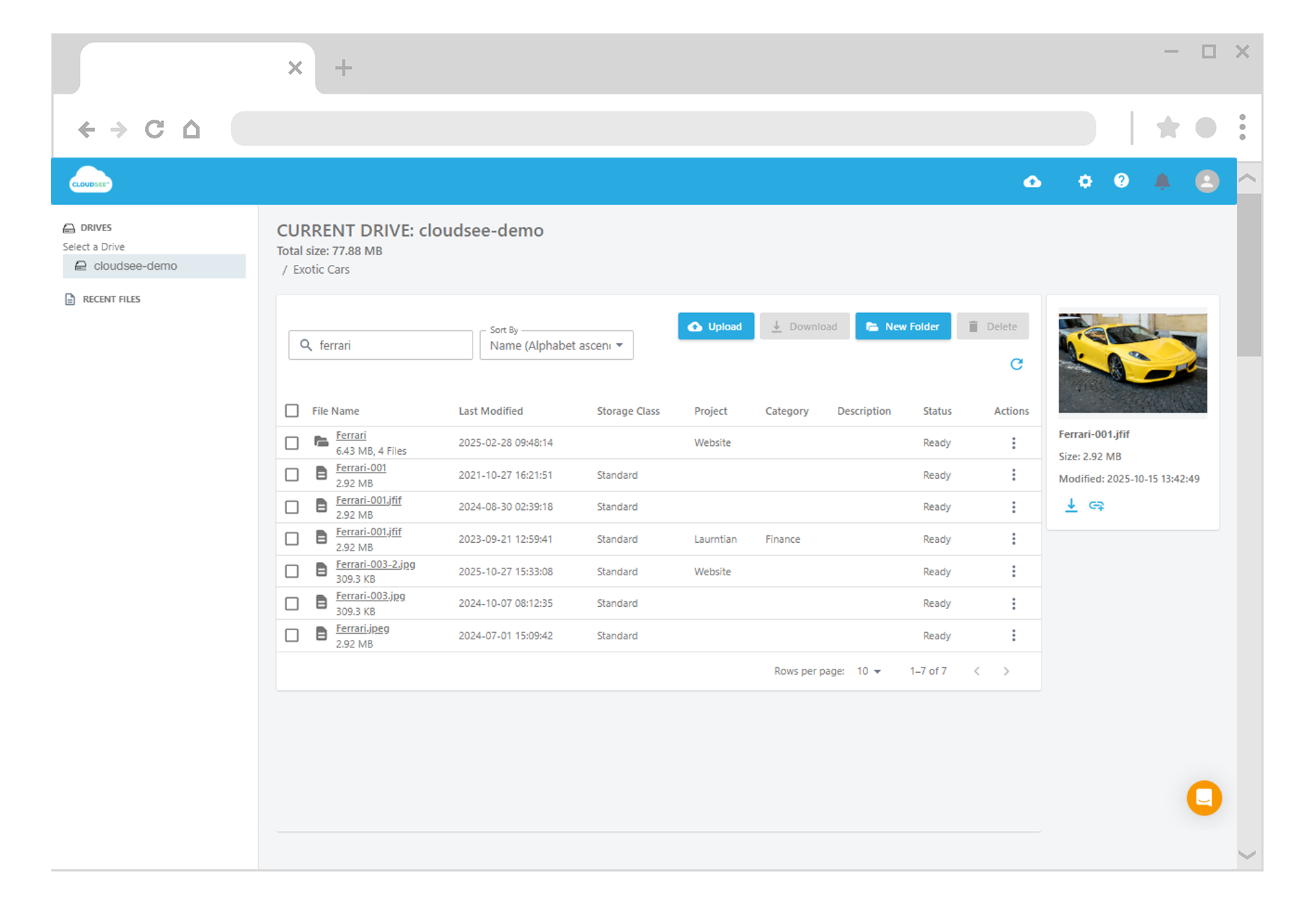
Desktop Amazon S3 browser security risks exist because convenience and credential hygiene have historically been at odds, but they don’t have to be. Modern approaches, especially browser-based S3 access backed by temporary credentials, preserve drag-and-drop workflows without introducing unmanaged secrets.
Leave A Comment