
Two Different Problems, Two Different Tools
AWS just shipped something interesting. Amazon S3 Files lets you mount an S3 bucket as a native file system on EC2, ECS, EKS, or Lambda. It works over NFS v4.1, delivering millisecond-level latency and backed by EFS under the hood. For certain workloads, that’s a real architectural unlock. But before you forward the announcement to your IT manager asking if this replaces what you use for S3 access, let’s clarify what each tool solves.
What S3 Files Is Built For
S3 Files fixes a compute problem: how do applications access bucket data without hammering the SDK or duplicating objects across tiers? If you’re running ML training pipelines, generative or agentic AI models, or multi-cluster workloads that need shared, low-latency object access, S3 Files is for you.
The setup is classic AWS:
- Create a file system in the S3 console.
- Provision mount targets inside your VPC.
- Mount from your instance.
Once connected, your app writes to a local path, and S3 Files syncs those changes back to the bucket automatically. S3-side updates propagate back within seconds. In other words, S3 Files turns object access into file IO for your compute environment, invisible to anyone not living inside that environment.
What CloudSee Drive Is Built For
CloudSee Drive solves a totally different problem: visibility & governance. It’s for the humans in your AWS story:
- Admins managing dozens of buckets.
- Solutions Architects sorting inherited sprawl.
- Business-side users who just need to find and control assets without touching the console.
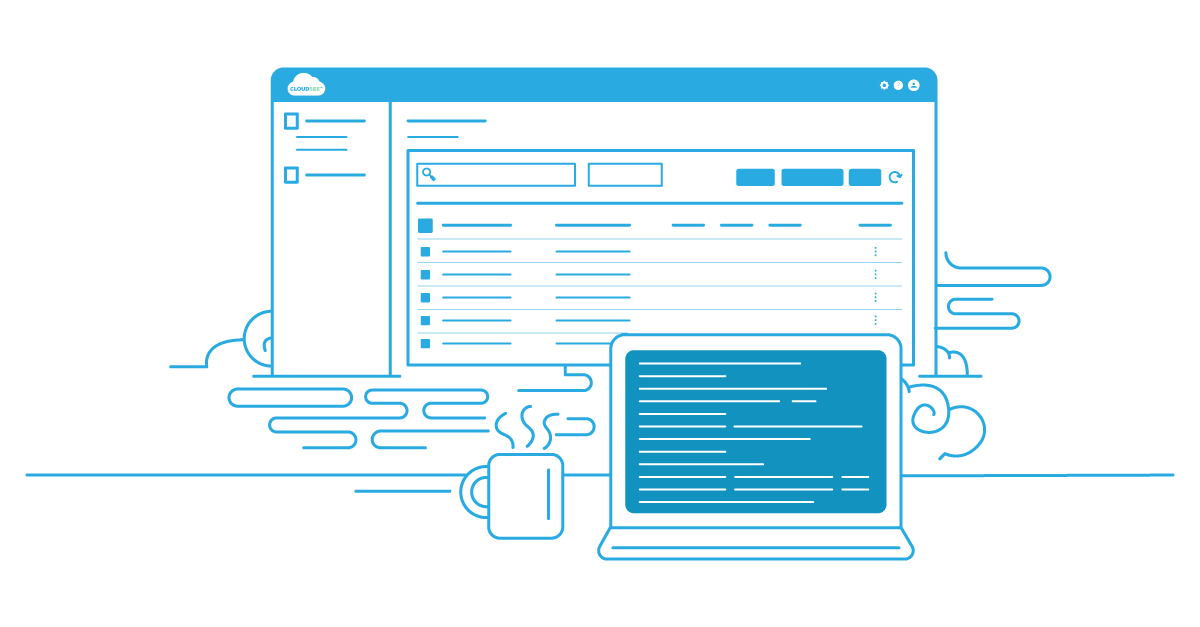
Where S3 Files presents buckets to compute via NFS mounts, CloudSee presents them to people via a browser. It’s indexed search (Fast Buckets), Tag Explorer filtering, folder-level permissions, and role-based access control. No CLI. No IAM policy voodoo.
The Core Distinction
An S3 file mounted via S3 Files is reachable by your Lambda or ECS task.
An object surfaced through CloudSee Drive is reachable by your marketing director, compliance auditor, or client…right in a browser, zero mount commands required.
These tools aren’t in competition. They operate at entirely different layers of the stack.
S3 Files |
CloudSee Drive |
|
|---|---|---|
| Primary user | Compute resources & DevOps | People: AWS Admins, end users |
| Access method | NFS mount (VPC-bound) | Browser-based anywhere |
| Interface | Terminal / code | Visual UI |
| Core value | Low-latency shared storage | Visibility, search, governance |
| Ideal workload | ML, AI pipelines | Asset management, compliance |
| Setup | CLI + VPC mount targets | SaaS: zero infrastructure |
Where This Gets Interesting for Architects
AWS positions S3 Files as “making S3 the central hub for all your data.” Surprisingly, that’s also CloudSee’s premise, which makes the governance gap grow wider. As more workloads mount S3 directly, the volume of generated artifacts skyrockets. Training outputs, model checkpoints, synthetic datasets, logs, AI states…all pouring into buckets.
Someone still has to tag, track, and restrict access to the right version of the right asset. S3 Files won’t help with any of that. It’s infrastructure, not governance. That’s exactly where CloudSee steps in. Teams get visibility across the chaos. And if AWS’s vision for universal S3 adoption plays out, that visibility layer becomes mandatory.
The Practical Call
If your goal is fast, shared S3 access for workloads, evaluate S3 Files.
If your goal is human-scale bucket management, evaluate CloudSee Drive.
You’ll most likely use both: one for your pipelines, one for your people.
Leave A Comment