

According to AWS, customers with solid tagging strategies see up to 30% better cost optimization. If you’ve ever been tasked with auditing Amazon S3 bucket tags across your AWS environment, you know it’s not straightforward. Whether it’s for cost allocation, compliance reporting, or simply understanding which team owns what, discovering that the AWS Management Console doesn’t have a “show me all my tags” button can be frustratingly familiar. Here’s how to get a list of AWS tags for your S3 buckets from the Console.
The Challenge of Tag Visibility in S3
Although tagging is an AWS best practice, viewing all tags in use across your S3 buckets remains a pain point. For organizations managing dozens of buckets, the manual process quickly becomes unmanageable (and it’s even worse with multiple accounts and regions). Clicking through each resource to gather tags by hand wastes valuable time and invites errors. Many teams skip audits altogether until billing or compliance issues force their hand. You can’t optimize what you can’t view holistically.
Why Tag Visibility Matters
Having a consolidated view of your AWS S3 tags delivers several high-impact benefits.
Accurate cost allocation
Tags provide financial accountability by linking storage costs to specific departments, projects, or environments, often reducing cloud waste by up to 35%.
Compliance and governance
Consistent tagging ensures easy resource identification and simplifies proving ownership or compliance during audits.
Operational efficiency
Clear visibility into tags allows standardization, simplifies cleanup of orphaned buckets, and strengthens team accountability.
How to List AWS S3 Tags from the Console
There’s no single “export all tags” button. Here are two native AWS methods to get you close.
Method 1: Use AWS Tag Editor
Best for Small to Medium Environments
- Open Resource Groups & Tag Editor from the AWS console.
- In the left sidebar, click Tag Editor.
- Select AWS::S3::Bucket as the resource type.
- Choose your target regions or select All regions
- Click Search resources.
- Export the search results as a CSV for analysis.
You’ll get a comprehensive list of all detected tags per bucket that can easily be analyzed in Excel or an analytics tool.
Method 2: Use AWS Resource Explorer
Best for Large Environments
If your organization has AWS Resource Explorer enabled…
- Open Resource Explorer in the console.
- Run the query:
```
resource.service:s3 AND resource.resourcetype:bucket
“`
- View tags directly in the results table or filter as needed.
- Export results for reporting or visualization.
Resource Explorer is faster for larger AWS environments and supports complex queries that scale across accounts and regions.
Wrapping Up
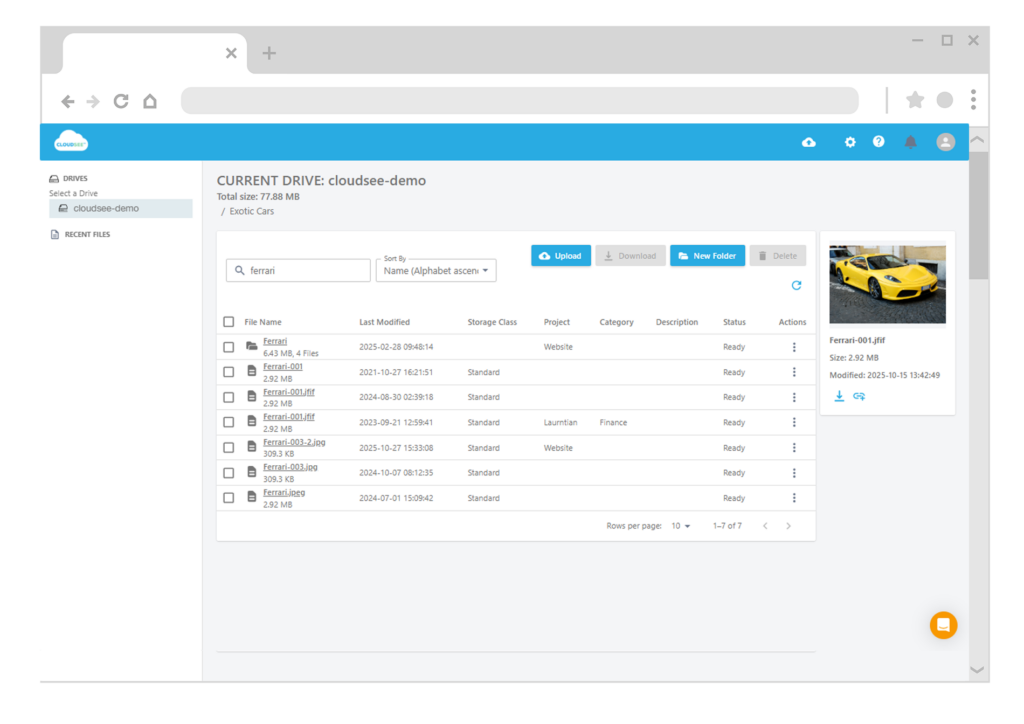
Tag visibility shouldn’t require complex scripts or endless clicking. If you’re running audits, managing cost reports, or enforcing compliance, consolidating your tag data is essential. The methods above offer quick wins via the AWS Console—but as your environment grows, adopting a tool like CloudSee Drive accelerates your entire S3 tag management process.
Leave A Comment