The Console Wasn’t Built for This
You built a tagging strategy. You applied those tags. You told your team to use them.
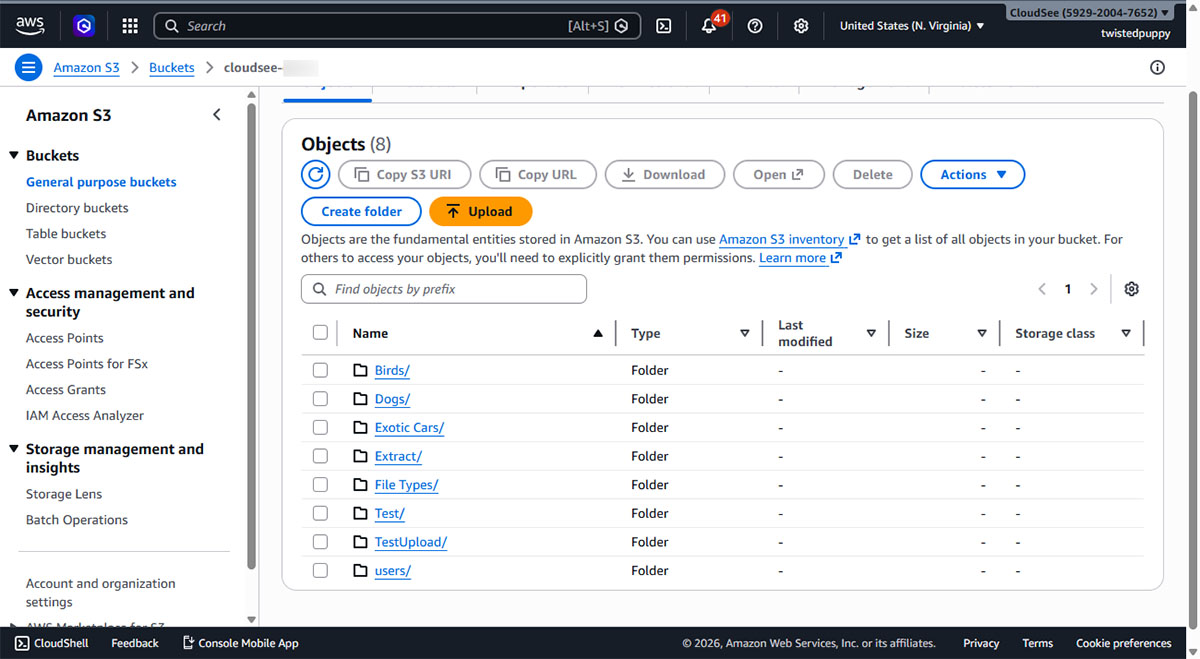
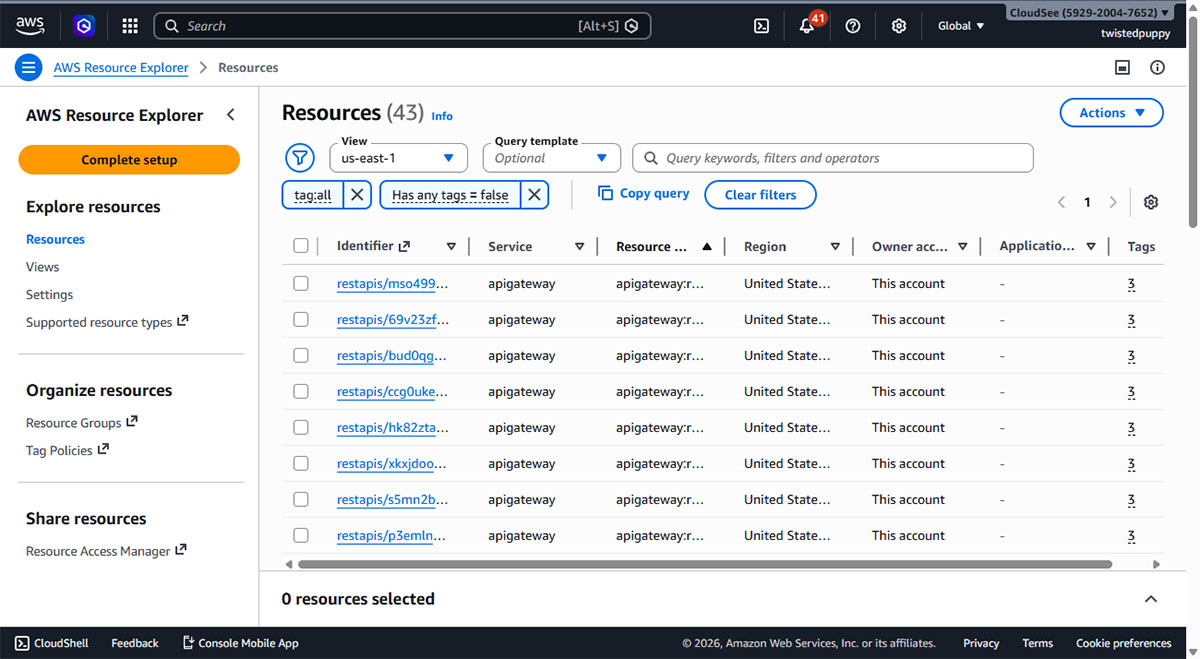
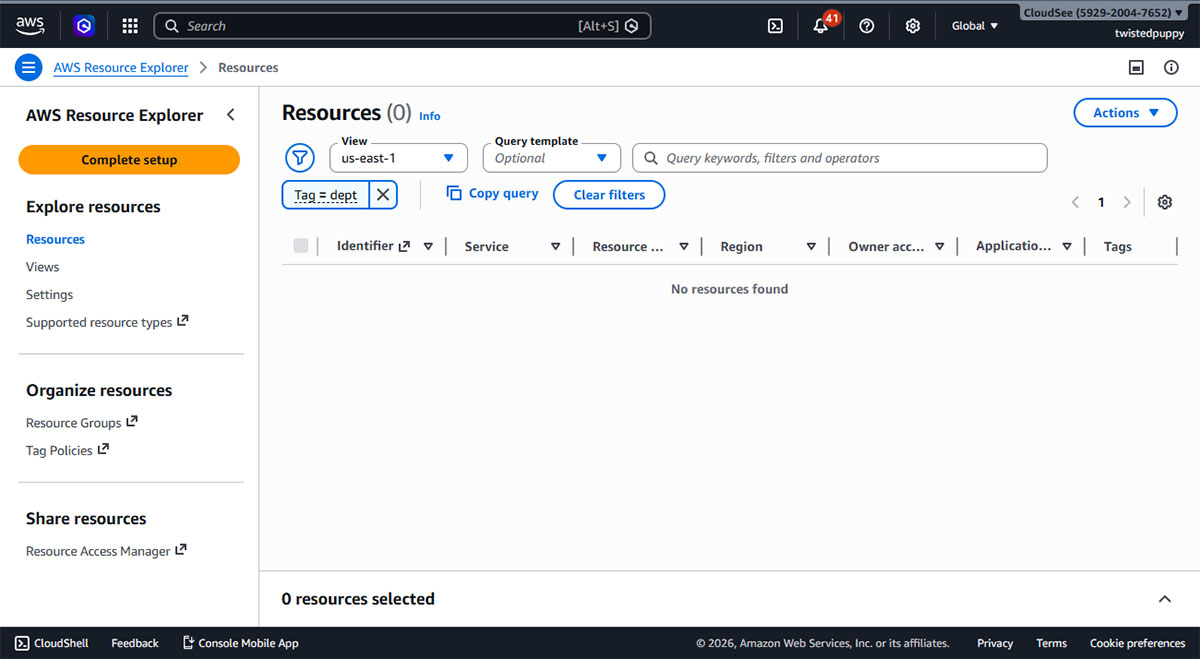
And then you opened the AWS Console…
Thousands of objects. Hundreds of tag key/value pairs.
Zero way to browse them. You can’t see what tags exist. You can’t filter by them.
You can’t find the files that were never tagged at all.
Resource Explorer is a workaround, not a workflow.
Your tags are there. They just aren’t usable.

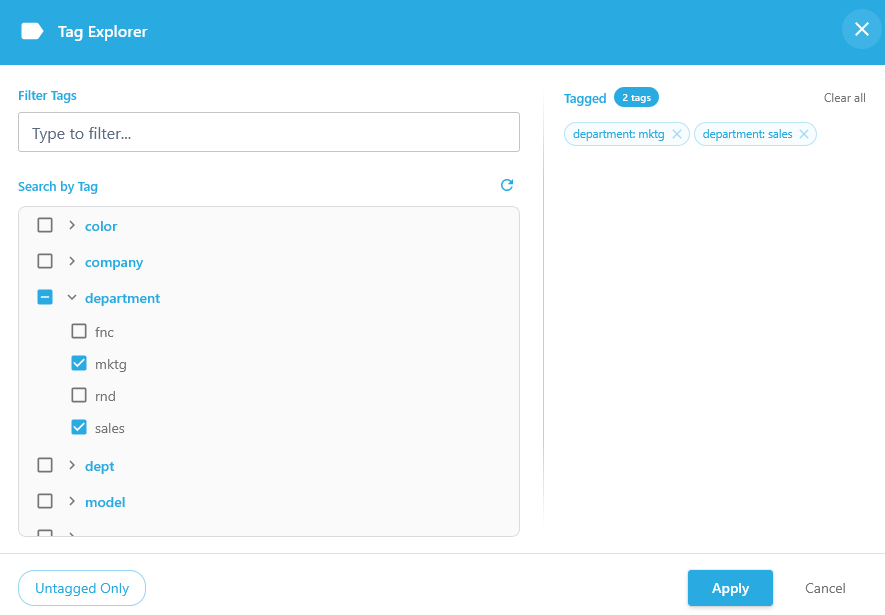
CloudSee Drive Tag Explorer
Your Entire S3 Tag Landscape, Clickable.
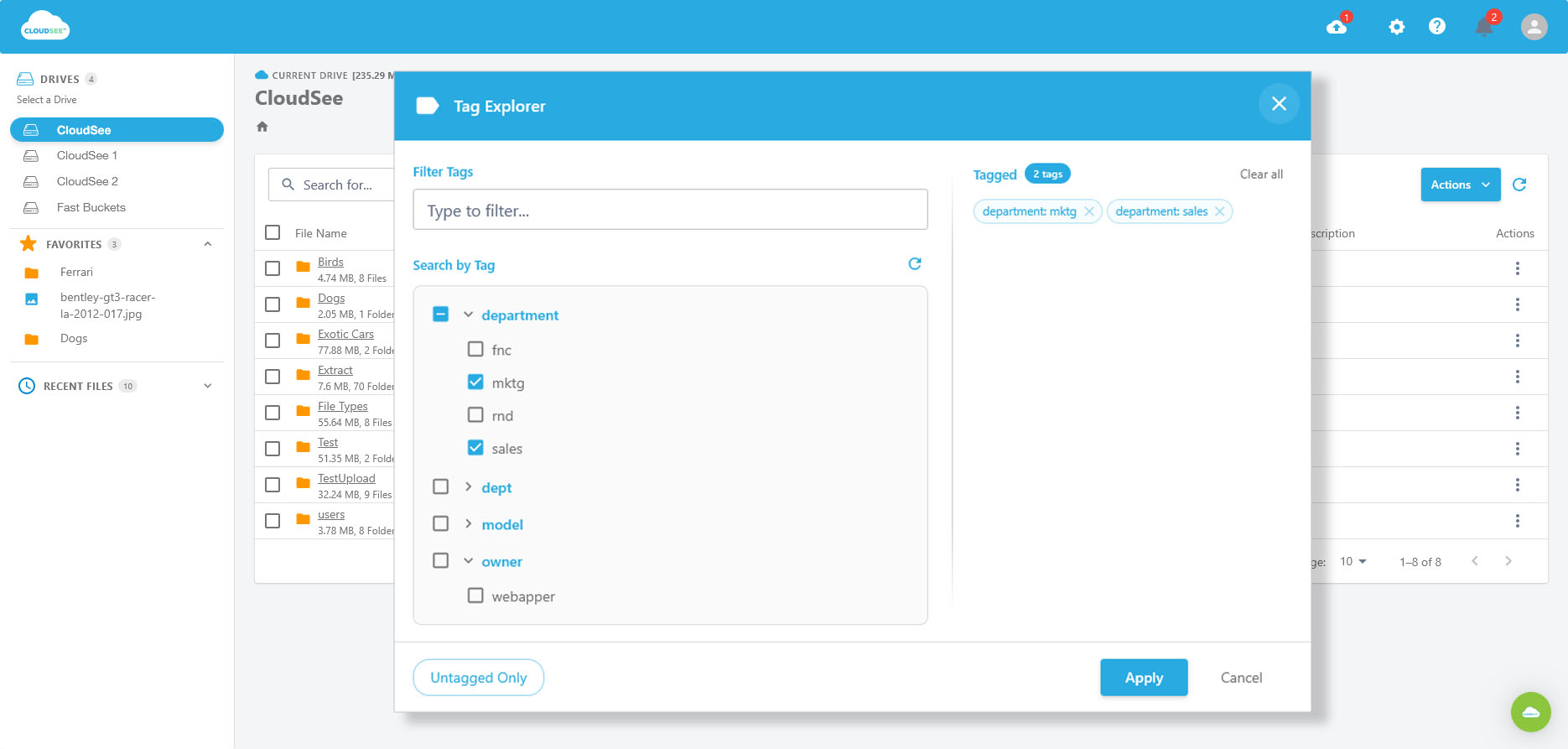
CloudSee Drive with Fast Buckets indexes your S3 bucket…
Then surfaces every tag in it.
Organized, browsable, and filterable in seconds.
Pick a tag. Click it.
See every object it belongs to.
Done.
Why Not Just Use the AWS Console or Resource Explorer?
AWS Console |
AWS Resource Explorer |
CloudSee Drive Tag Explorer |
|
|---|---|---|---|
| Tag Browser | None | Partial: tags as filters, not browsable | Full tag landscape, organized and clickable |
| Tag-based Search | No | Yes, but query syntax required | Point-and-click, no syntax |
| Multi-tag Filtering | No | Limited | Multi-select, instant results |
| Untagged Object Search | No | No | Yes: find orphaned objects instantly |
| S3-specific | No (cross-service) | No (cross-service) | Yes: built for S3 workflows |
| Access Model | IAM console access | IAM console access | Browser-based, role-scoped per user |
| Search Speed | Slow / manual | Moderate | Fast Buckets indexing…seconds |
Trusted by Teams Managing Real S3 Workloads




// Stop navigating. Start finding.
If you manage a real S3 workload and you've spent any time trying to track down files by tag, Tag Explorer frees up a couple of hours every week.