S3 BUCKET BROWSER
Your Amazon S3 buckets.
Organized. Effortless. Secure.
Make it easier for your users to manage files on Amazon S3…
CloudSee Drive is an S3 file browser…in your browser.

Browse Any of Your S3 Buckets
CloudSee Drive users can browse and view files on any S3 bucket you enable as accessible. Administrators save the time and hassle of supporting the organization’s basic needs.

Search for Files
Users can search and view files stored in S3 with a simple, familiar user interface. It’s fast and easy. Your team can get to the digital materials they need immediately, with no training or technical support.

Add Folders, Upload & Download Files
With a feeling of Finder or Explorer, users can create new folders, upload & download files, and add metadata. Instead of using synchronized storage systems, files live in one corporate environment.
What Users Say…
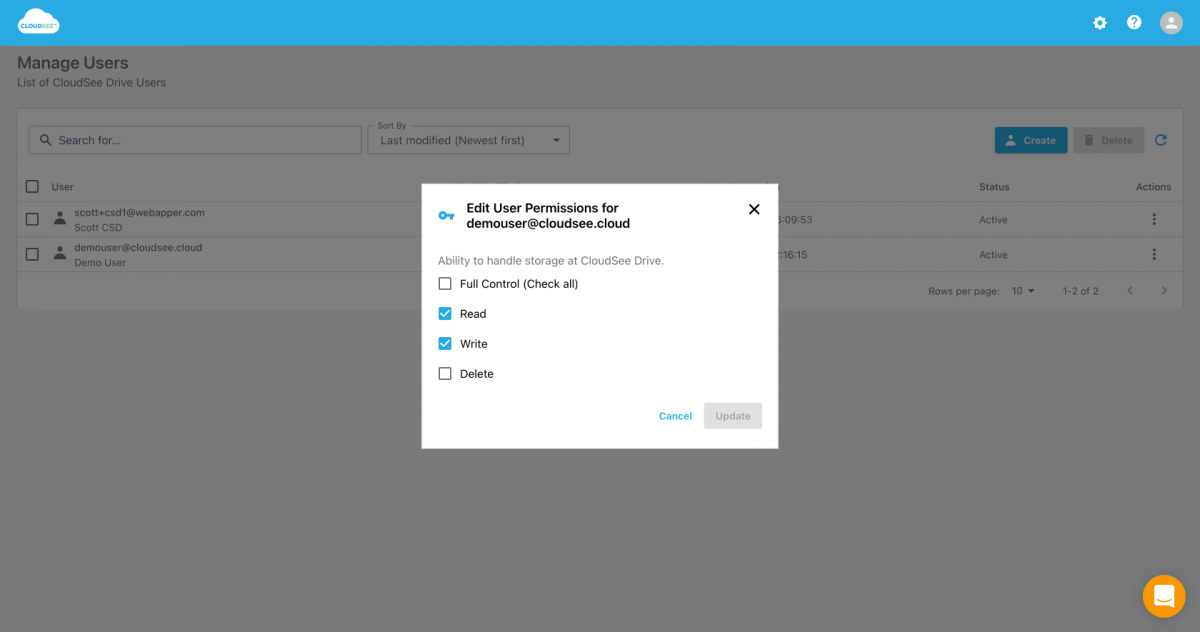
I’m able to select which user can see which bucket and with which permissions. That is a game changer!
We use CloudSee Drive to access company file archives in S3. CloudSee works great to setup designated recovery users and manage which buckets they have access to. With S3, you can’t restore more than one file at once and you can’t search very well. We needed a solution to both those issues. CloudSee works great for what we need.
To keep up with inbound customer queries about DMS feeds, we needed a file management and collaboration tool. We chose CloudSee Drive and I am happy with that decision. We can manage files from any device. I consider this the ultimate productivity tool for managing content on S3. We can organize and tag files easily, which increases staff productivity in the long term.
Untangle S3 Buckets Using a Familiar Interface
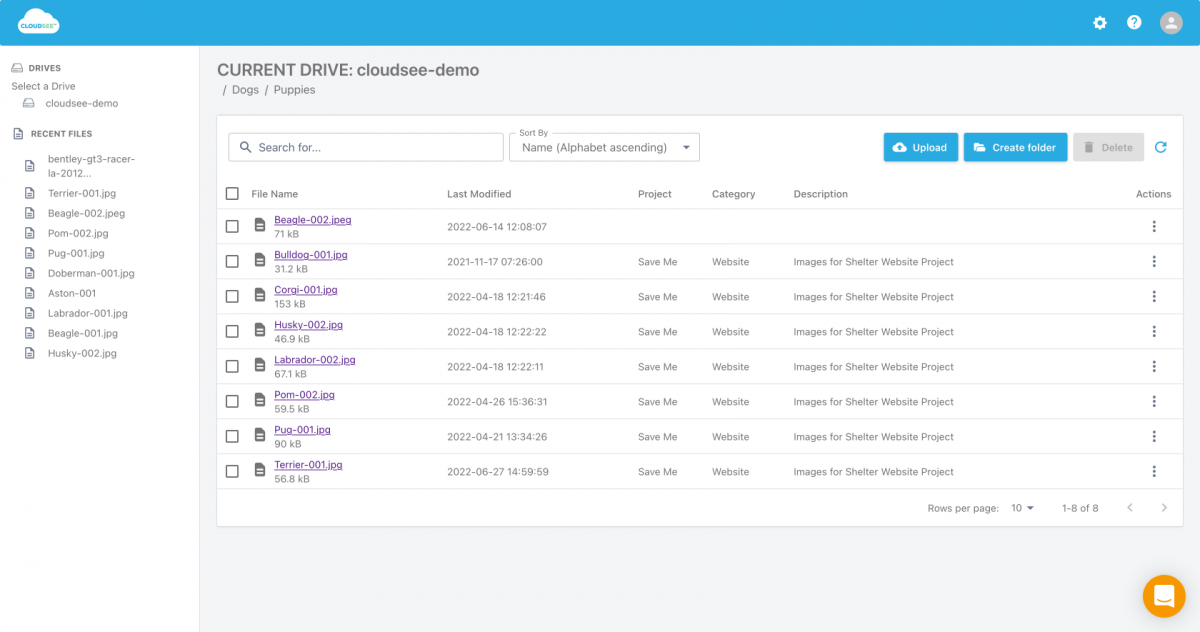
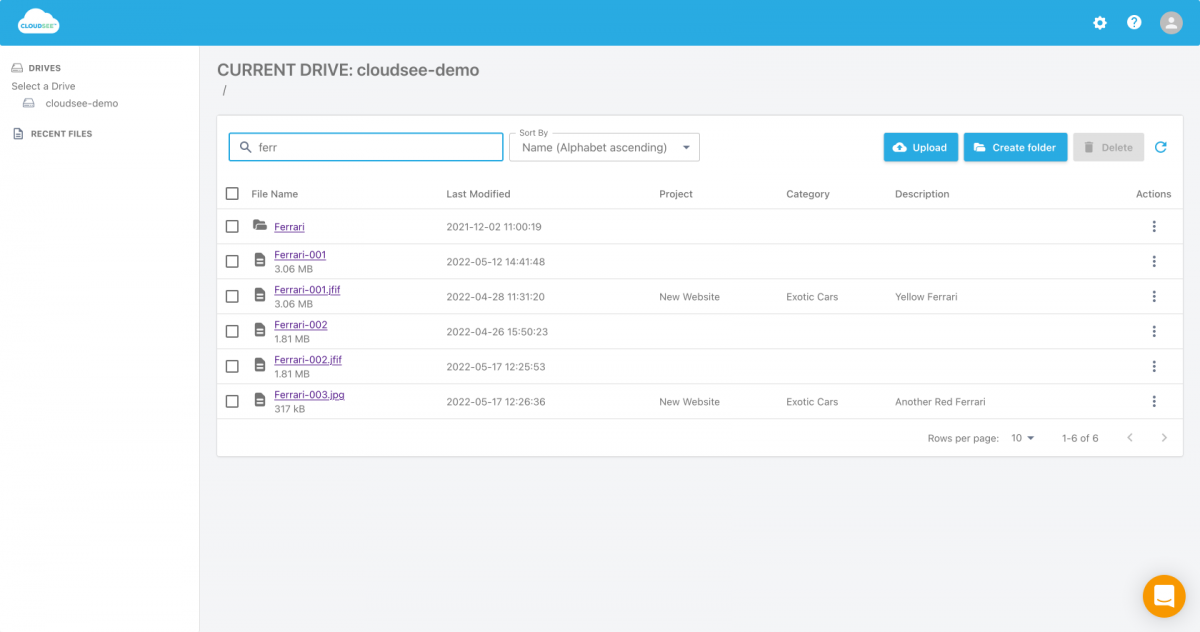
CloudSee Drive Is a Powerful and Easy to Use S3 Browser
- Easy sign-up and setup.
- Full support for all AWS S3 storage classes.
- 100% browser based.
- Nothing to install.
- Publish content using Amazon S3.
- Reliably upload & download your files to and from AWS S3.
- Browse, view, and edit Amazon S3 bucket files.
- Add descriptions (searchable too!).
- Intuitive interface.
- Processing very large numbers of files.
- Support for AWS Identity and Access Management (IAM).
- Mobile friendly.
Pay As You Go
Get Organized Amazon S3 Buckets Today
One of the key benefits of running on AWS is the pay-as-you-go pricing models, which means you pay only for what you use.
CloudSee Drive pricing is based on actual usage, with charges varying according to how much you consume. Subscriptions have no end date and may be canceled any time. Additional AWS infrastructure costs may apply. Your AWS bill will reflect your usage. Additional taxes or fees may apply.
| Users | Hourly Rate | Monthly Cost per User |
|---|---|---|
| Administrator | $0.03420 | $25.00 |
| Standard | $0.0136 | $10.00 |
| Fast Buckets Pricing | Cost/Unit |
|---|---|
| Cost per 1 million objects for initial indexing | $6.21 |
| Cost per 100,000 objects for index sync (object changes) | $4.14 |